

FerriteCore
Memory usage optimizations
fabricforgeneoforge+3
99.3M0N/A

Items stay inside of crafting tables and are also rendered on top. It's really fancy!
Downloads
18.8M
Followers
2,351
Updated
3 months ago
License
Mozilla Public License 2.0
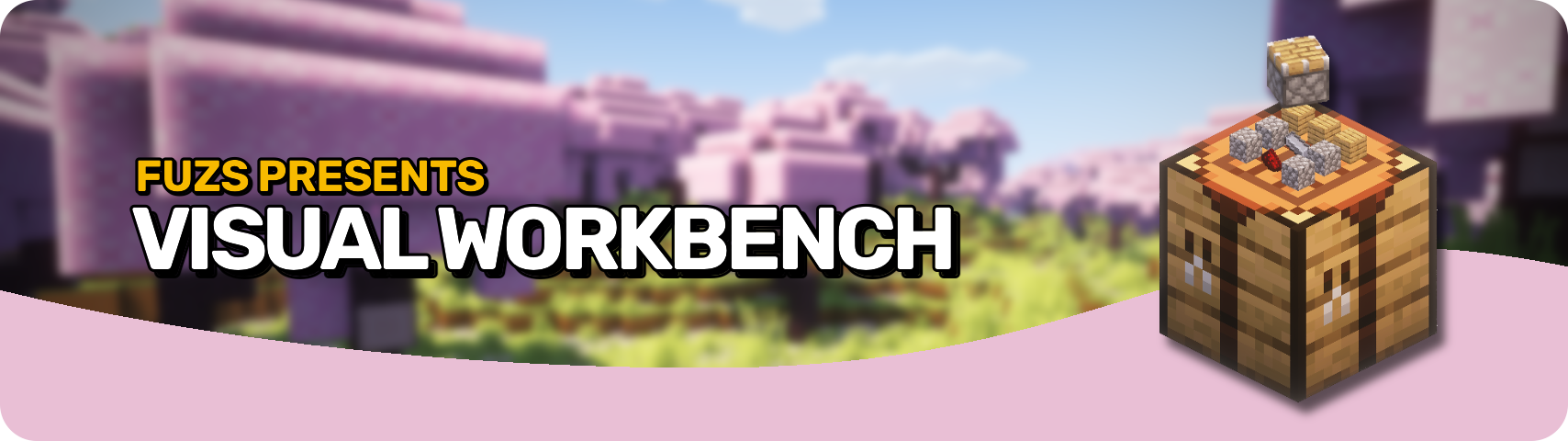







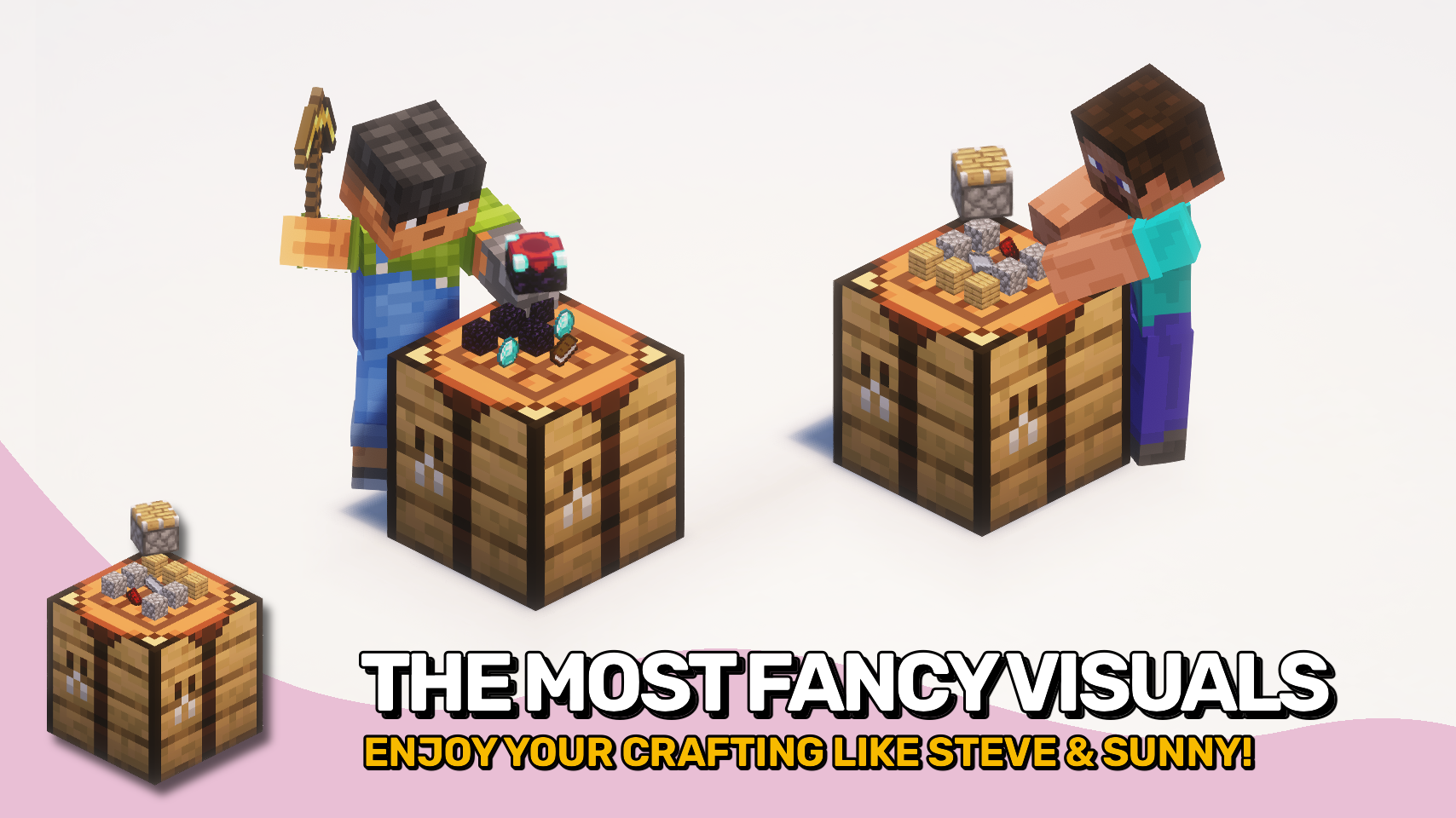
Visual Workbench makes items put into a crafting table stay inside. Breaking the block drops everything on the ground, just like you'd expect. Oh, and crafting ingredients as well as the resulting item are also rendered on top. Really fancy if you ask me!


⏩ INSTALLATION REQUIRED ON CLIENT & REQUIRED ON SERVER
⏩ REQUIRES PUZZLES LIB TO BE INSTALLED (FABRIC & NEOFORGE)
⏩ REQUIRES FABRIC API TO BE INSTALLED (FABRIC)
⏩ REQUIRES FORGE CONFIG API PORT TO BE INSTALLED (FABRIC)

If available for a mod, configuration is possible directly from in-game using the mod menu (requires Mod Menu by Prospector to be installed on Fabric). Please note that on older Minecraft versions installing Forge Config Screens is also a requirement.
For manual configuration using an external text editor all files are found at .minecraft/config, named as MOD_ID-client.toml, MOD_ID-common.toml, or MOD_ID-server.toml, depending on the type of config. Not all types might exist for a mod, if any at all.

🌟 Thanks to Prototik for the original idea and most of the rendering code from their RealBench mod.
🌟 Thanks to Tfarecnim for the Just Enough Items plugin code from their Crafting Station mod.
🌟 Thanks to Daomephsta from the Fabric Discord for pointing me into the right direction for supporting modded crafting tables on Fabric.



Memory usage optimizations

Adds a mod menu to view the list of mods you have installed.

A builder-based configuration library for Minecraft!

Displays a map of the nearby world terrain, players, mobs, entities in the corner of your screen. Lets you create waypoints which help you find the locations you've marked.
![[ETF] Entity Texture Features icon](https://cdn.modrinth.com/data/BVzZfTc1/af683d206d50b05258d865b0d6e4aa2f2cee12f2_96.webp)
Emissive, Random & Custom texture support for entities in resourcepacks just like Optifine but for Fabric

Adds a full screen world map which shows you what you have explored in the world. Works great together with Xaero's Minimap.
![[EMF] Entity Model Features icon](https://cdn.modrinth.com/data/4I1XuqiY/6e5bbd0d06b1741bfdab6c0cfab6de8fdaf0064c_96.webp)
EMF is an, OptiFine format, Custom Entity Model replacement mod available for Fabric and Forge.

A Sodium addon that adds features that shouldn't be in Sodium.